Unreal Engine 5  ·  Solo Prototype  ·  3 Weeks

Toddler
Rampage

A pressure-driven third-person survival prototype built around pursuit AI, state-based mechanics, physics interaction, and clear player feedback.

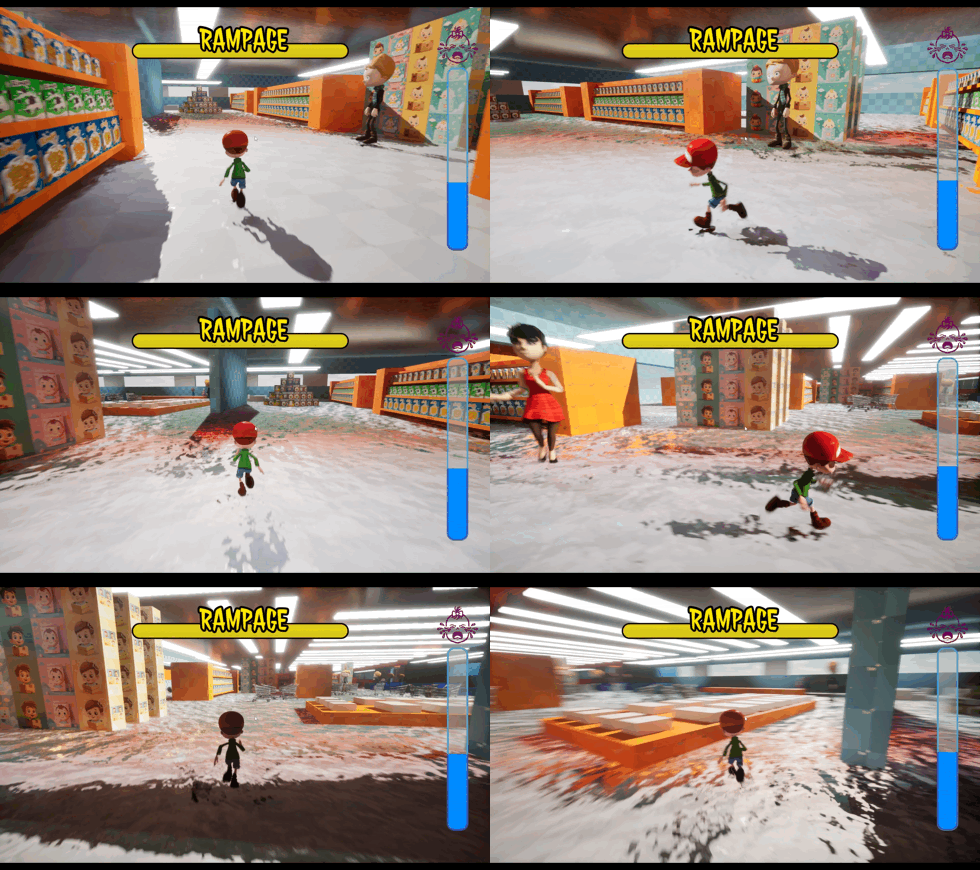
Toddler Rampage was built in approximately three weeks to validate a compact survival loop: find Mommy and survive a 120-second timer while escaping store workers and managing escalating “Tears Pressure.” The focus was not visual polish alone, but proving that simple systems could create urgency, readable failure states, and player-driven chaos.

Systems Breakdown

How each system works

Every system pairs an animated gameplay clip with the Unreal Blueprint behind it. Click any Blueprint to view it full size.

01 / Controller

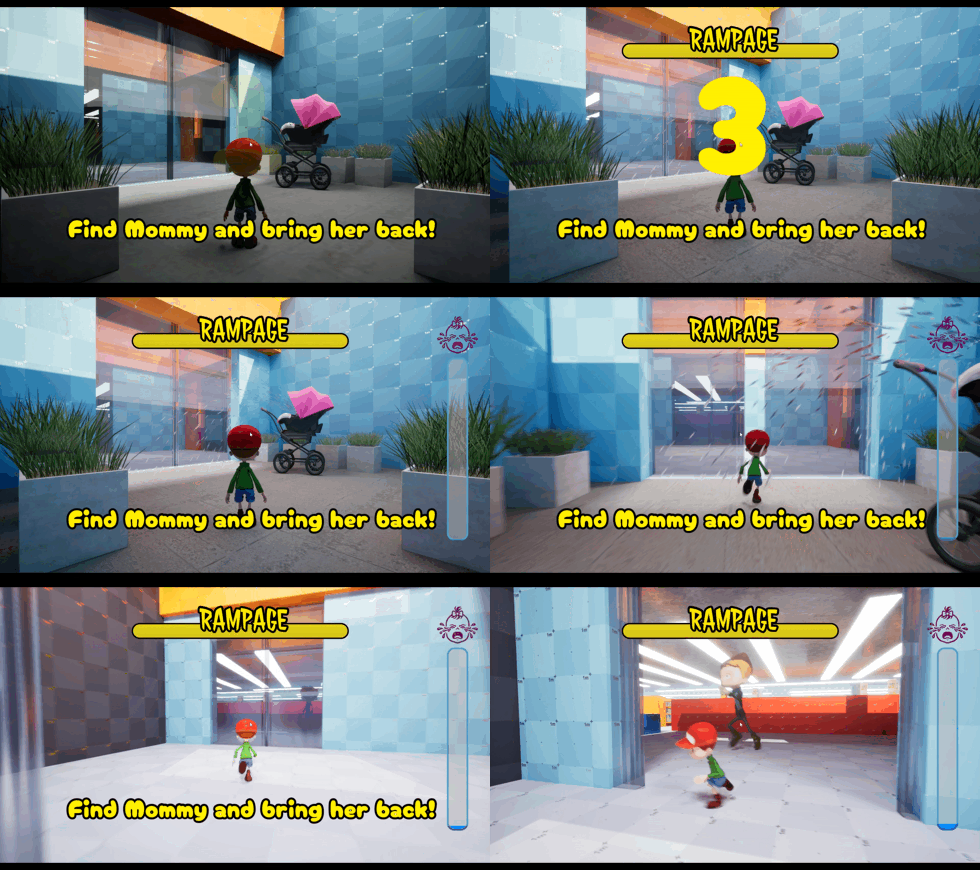
Player & Camera Controller

Custom third-person controller focused on responsive movement and gameplay readability, with camera behavior that reacts to player state.

  • Expanded input handling and dynamic follow camera.
  • Gameplay-driven FOV, camera shake, and motion blur.
  • Designed to make speed and danger readable without extra explanation.
Gameplay
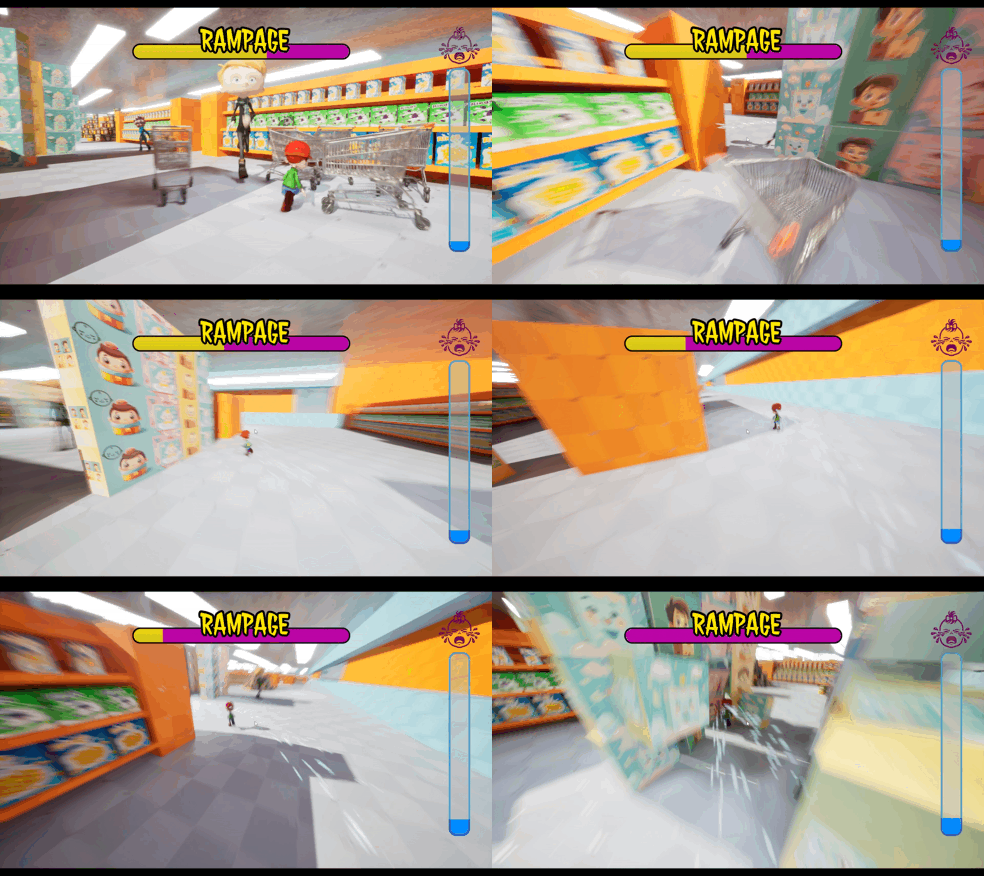
Player and camera controller in motion
Animated GIFimages/player-controller.gif
Unreal Blueprint
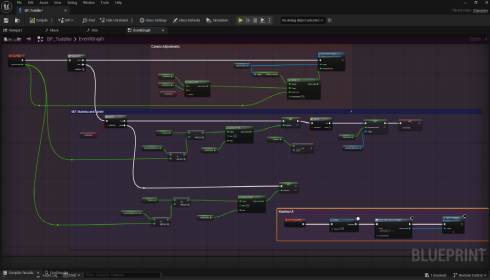
Player and camera controller Blueprint
Blueprint Screenshotimages/player-controller-blueprint.jpg

02 / State Mechanic

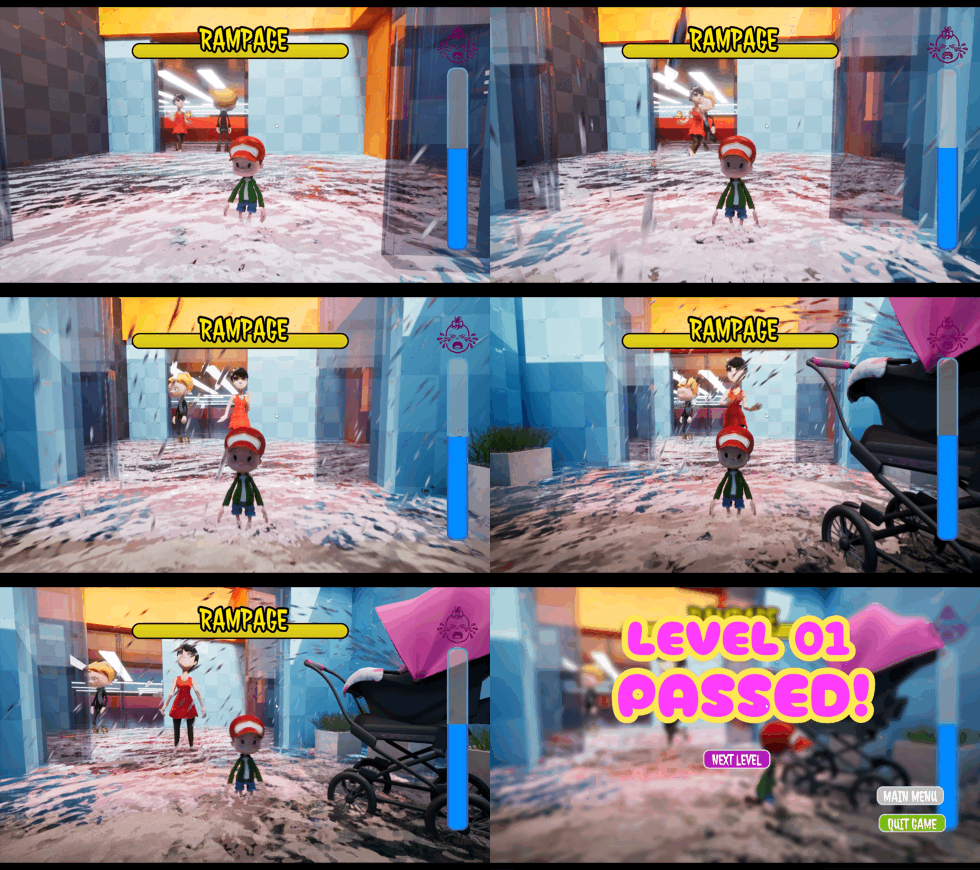
Rampage Mode

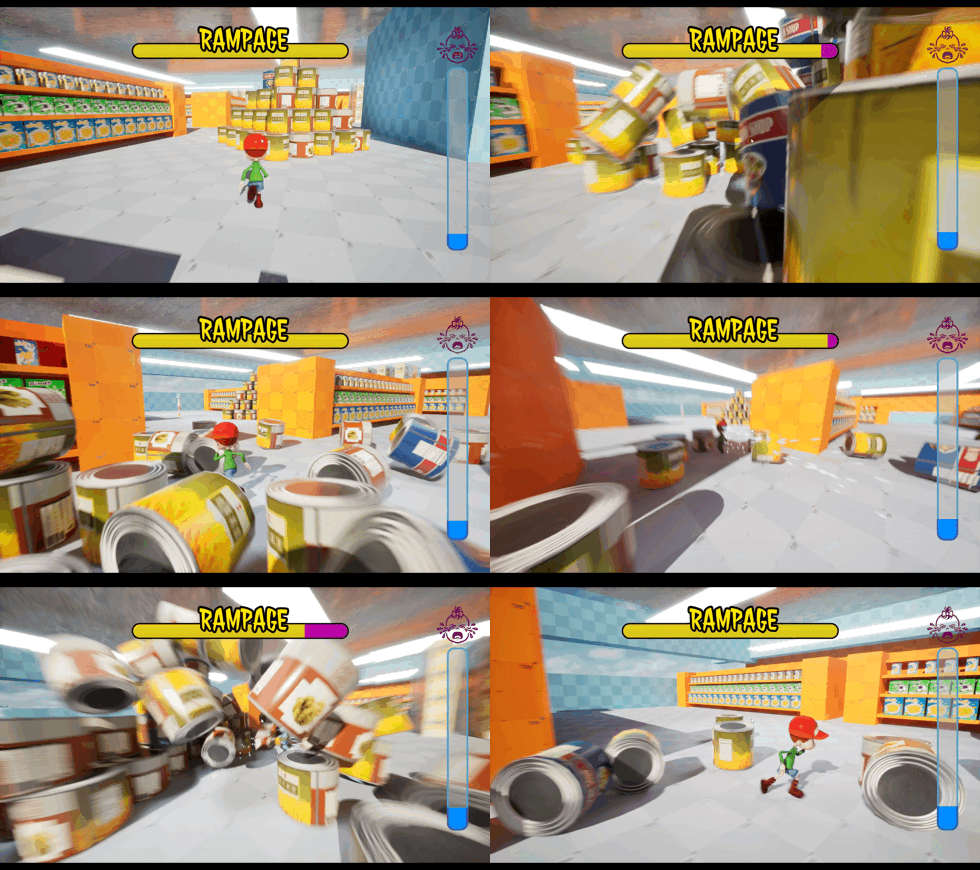
A temporary high-speed sprint state that escalates movement, visuals, audio, and emotional intensity.

  • State-based sprint behavior with momentum escalation.
  • Post-process intensification, tears VFX, and layered crying audio.
  • Built to create a controlled burst of chaos.
Gameplay
Rampage Mode gameplay
Animated GIFimages/rampage.gif
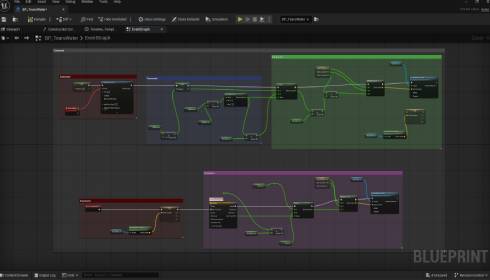
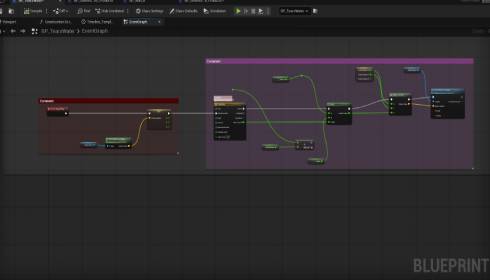
Unreal Blueprint
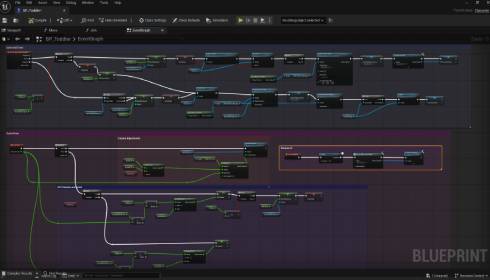
Rampage Mode Blueprint
Blueprint Screenshotimages/rampage-blueprint.jpg

03 / AI

AI & Navigation

Store workers use NavMesh-driven patrol and chase behavior to create consistent pursuit pressure.

  • Patrol and chase logic based on proximity triggers.
  • Instant Game Over collision handling.
  • AI behavior shaped by aisle layout and obstacle placement.
Gameplay
Store worker AI pursuit
Animated GIFimages/ai-nav.gif
Unreal Blueprint
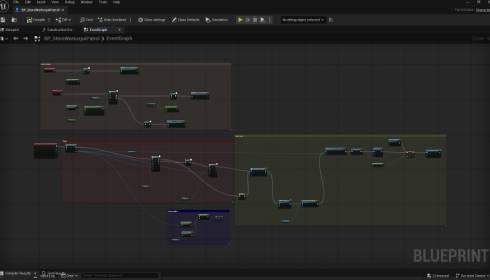
AI and navigation Blueprint
Blueprint Screenshotimages/ai-nav-blueprint.jpg

04 / Failure Architecture

Pressure & Failure Systems

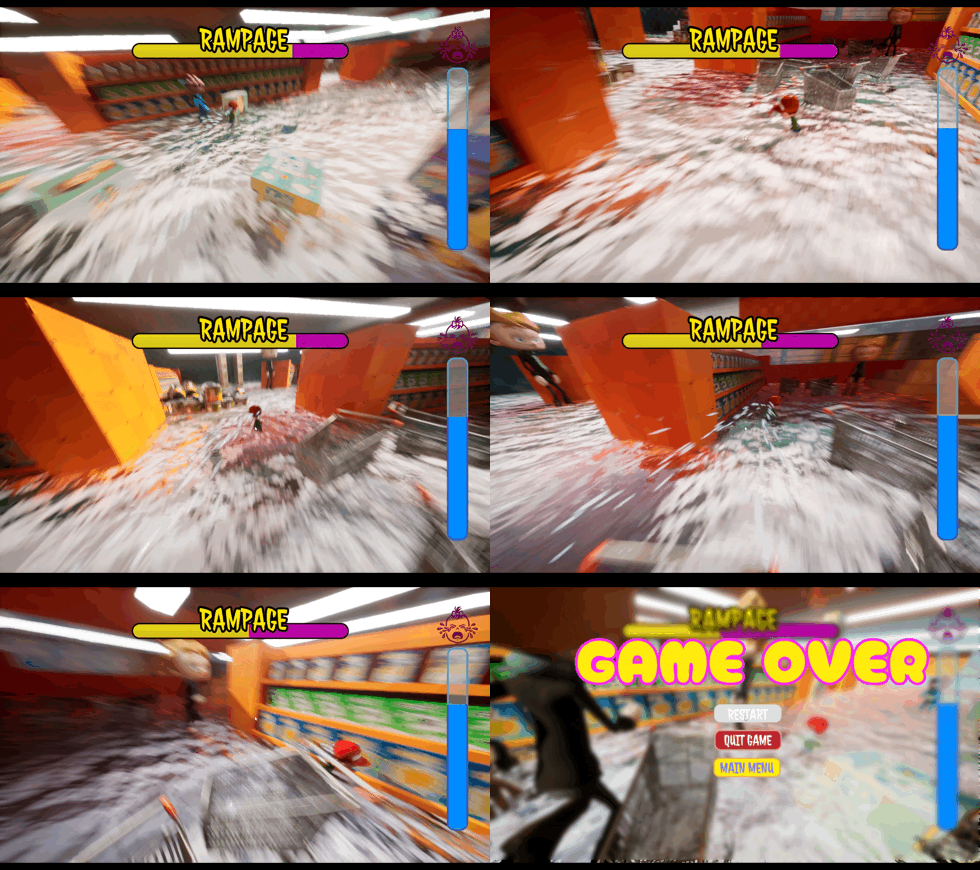
Centralized game state logic controls the survival timer, Tears Pressure, win state, and shared Game Over flow.

  • 120-second survival win condition.
  • Tears Pressure UI fills over time.
  • Unified multi-condition Game Over architecture.
Gameplay
Tears Pressure timer and fail state
Animated GIFimages/pressure.gif
Unreal Blueprint
Pressure and failure systems Blueprint
Blueprint Screenshotimages/pressure-blueprint.jpg

05 / Level Design

Spatial Flow

The grocery store layout creates tension through aisle choke points, visibility breaks, and risk-reward movement paths.

  • Obstacle clustering creates tactical choices.
  • Visibility breaks help players recover or misdirect pursuit.
  • Layout supports AI pressure without requiring complex behaviors.
Gameplay
Grocery store level layout in play
Animated GIFimages/layout.gif
Layout Overview
Level layout overview
Layout Screenshotimages/layout-blueprint.jpg

06 / Interaction

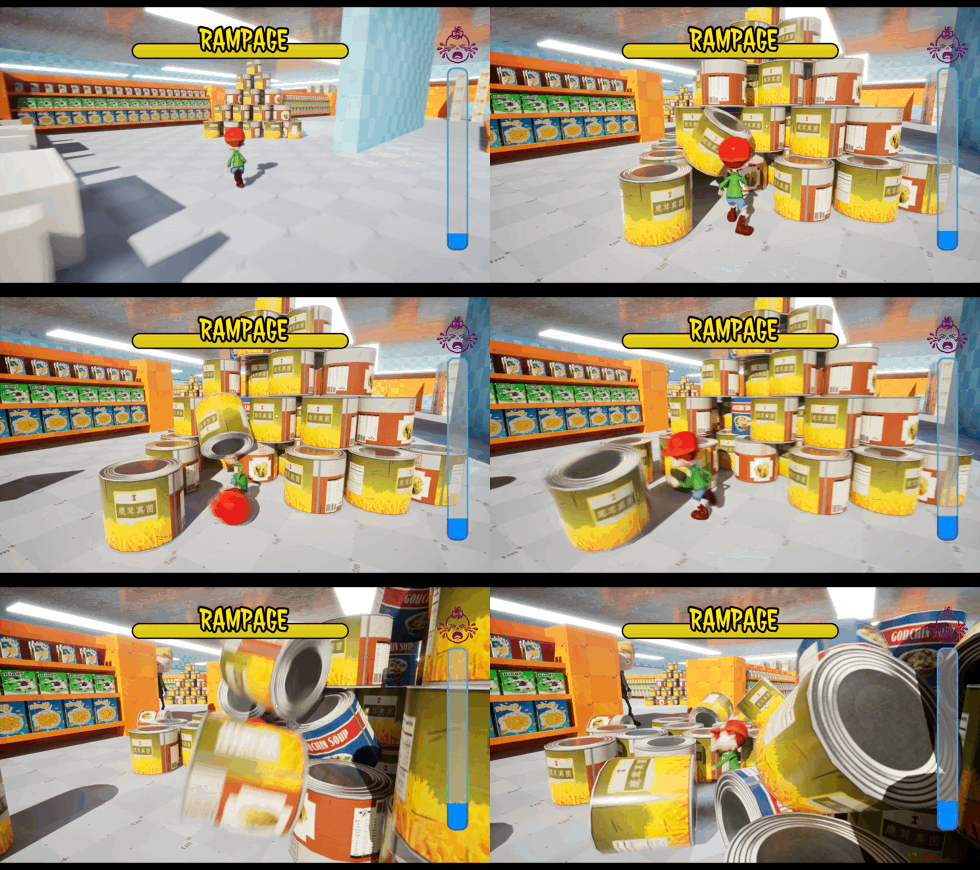
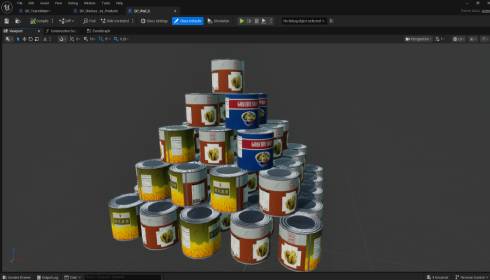
Physics & Environment Interaction

Pushable objects act as dynamic obstacles that can obstruct or redirect store workers during pursuit.

  • Boxes, carts, and cans respond to player movement.
  • Objects create emergent blocking opportunities.
  • Physical interaction reinforces the rampage fantasy.
Gameplay
Pushable physics objects
Animated GIFimages/physics.gif
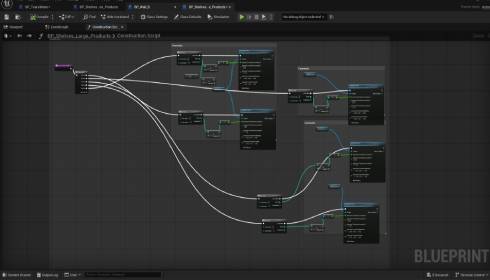
Unreal Blueprint
Physics interaction Blueprint
Blueprint Screenshotimages/physics-blueprint.jpg

07 / Feedback

Audio Feedback System

Layered crying loops and collision feedback reinforce urgency and help communicate pressure changes to the player.

  • Escalating sound intensity tied to pressure states.
  • Layered crying loops and environmental audio.
  • Audio supports gameplay clarity, not just atmosphere.
Gameplay
Audio feedback in gameplay
Animated GIFimages/audio.gif
Unreal Blueprint
Audio system Blueprint
Blueprint Screenshotimages/audio-blueprint.jpg

08 / UI

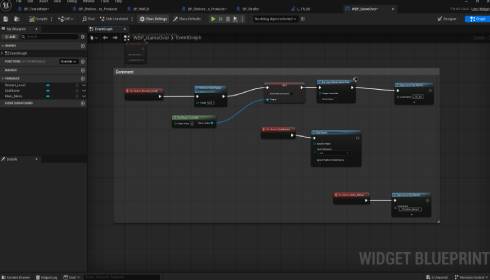
UI & Game State Management

The UI communicates pressure, failure, pause state, and input mode changes with minimal friction.

  • Tears Pressure progress bar acts as visual time pressure.
  • Shared Game Over screen logic.
  • Pause system with input mode and cursor management.
Gameplay
Tears Pressure UI and game state
Animated GIFimages/ui.gif
Unreal Blueprint
UI and game state Blueprint
Blueprint Screenshotimages/ui-blueprint.jpg

Project Overview

A complete loop, built fast

A short-form prototype designed to test whether pressure, pursuit, and physical obstacles could create a complete playable loop quickly.

Challenge

Readable urgency

Build a readable survival prototype with escalating urgency and clear fail states within a short production window.

Solution

Systems over polish

Combine pursuit AI, a timed pressure system, state-driven movement, physics obstacles, and responsive audiovisual feedback.

Outcome

Validated slice

A playable vertical slice validating the core loop and demonstrating rapid Unreal Engine prototyping.

Core Game Loop

Pressure rises, options shrink

The loop is intentionally simple — pressure builds every second, and the player has to keep moving toward the objective.

01

Search the Store

Move through aisles looking for Mommy while learning safe paths.

02

Tears Pressure Builds

The timer and pressure UI increase urgency every second.

03

Staff React

Workers patrol, detect, chase, and convert contact into failure.

04

Cause Chaos

Push carts, boxes, and cans to interrupt routes and buy time.

05

Survive 120s

Pressure peaks as routes collapse and the player must keep moving.

06

Find Mommy

Reach the objective before pressure or pursuit ends the run.

The loop repeats every second of the run — until you find Mommy, or pressure ends it.

Design intent: a compact loop where pressure narrows options, AI creates movement, and physics gives the player an active way to fight back without combat.

Lessons Learned

What the prototype proved

A small number of readable systems can create strong player urgency when feedback is clear.

What Worked

  • State-driven mechanics were fast to iterate.
  • Simple AI became effective when supported by level layout.
  • Pressure UI made the objective immediately readable.

Next Iteration

  • Add clearer onboarding and objective prompts.
  • Introduce more staff behavior variation.
  • Expand environment interactions and obstacle readability.